Make Integration AI Automation for Agencies: Best Tools Ranked
Agencies lose billable hours to tools that cannot talk to each other. Zapier and Make workflows stall when tasks, reminders, and client updates live in five different apps, and most teams switch because manual handoffs keep breaking. If your team coordinates through WhatsApp, the gap gets wider every week.
This article breaks down what actually matters in Make integration AI automation tools: Make compatibility, AI capability, and how each option scales with agency headcount. You will get a ranked list, a clear number one pick for WhatsApp-first teams, and criteria for matching tools to your client workflows and budget.
What to Look For in Make Integration AI Automation Tools for Agencies
When evaluating Make integration AI automation tools for agencies, the wrong choice can cost you 10+ hours per week in manual work and missed client deadlines. That is not a scare tactic. It is the natural result of picking a platform that only half-fits how an agency actually operates.
Agencies do not run one workflow for one company. They run dozens of workflows across dozens of accounts, each with its own tools, timelines, and reporting expectations. A tool that works fine for a solo operator often collapses under that load.
The core problem is fragmentation. A marketing agency might juggle CRM integration for one client, email marketing automation for another, and social media scheduling for a third. Each stack adds connectors, logins, and failure points.
Make.com helps by acting as the connective tissue between these systems through workflow orchestration. But Make alone still needs AI to handle the judgment calls, like routing a lead to the right pipeline or summarizing a client request.
That is why the evaluation criteria below matter. They separate tools built for agency workflow realities from tools built for a single business owner.
Key Criteria: Make Compatibility, AI Capabilities, and Agency Scalability
The three pillars of a Make integration AI automation tool for agencies are Make compatibility, AI capabilities, and agency scalability. Test each one during a trial rather than trusting a feature page.
Make compatibility comes first because everything else depends on it. Look for native Make modules rather than generic HTTP requests, since native modules handle authentication and field mapping more reliably. Confirm the tool supports webhook triggers so external events can kick off a scenario instantly.
API connectivity deserves a close look too. Ask whether the API supports the endpoints your multi-step scenarios need, and whether rate limits will throttle high-volume accounts. A tool that works in a demo can still fail once real client traffic hits it.
AI capabilities should reduce decisions, not just add novelty. Useful features include natural language processing for task creation, smart routing that sends work to the correct owner or pipeline, and predictive analytics that flag at-risk projects before a deadline slips.
Also check error handling. When a scenario breaks at 2 a.m., the tool should log the failure clearly and retry where sensible. Silent failures are the fastest way to lose a client's trust.
Agency scalability is where many tools fall short. You need multi-client support with separate workspaces or environments, user roles that limit what junior staff can change, and volume pricing that does not punish growth. Data synchronization across client accounts should stay clean and isolated.
During a trial, run one real client workflow end to end. Connect a CRM such as HubSpot, Salesforce, or Pipedrive, trigger a lead, and watch where it lands. Then repeat it with a second client to see whether the setup scales or requires rebuilding from scratch.
Finally, test conditional logic and branching. Agencies rarely want a single linear path. They want scenarios that behave differently based on client, service tier, or lead source, and that flexibility is a strong signal of a tool built for agency workflow demands.
1. Tasks.Bot - Best Overall
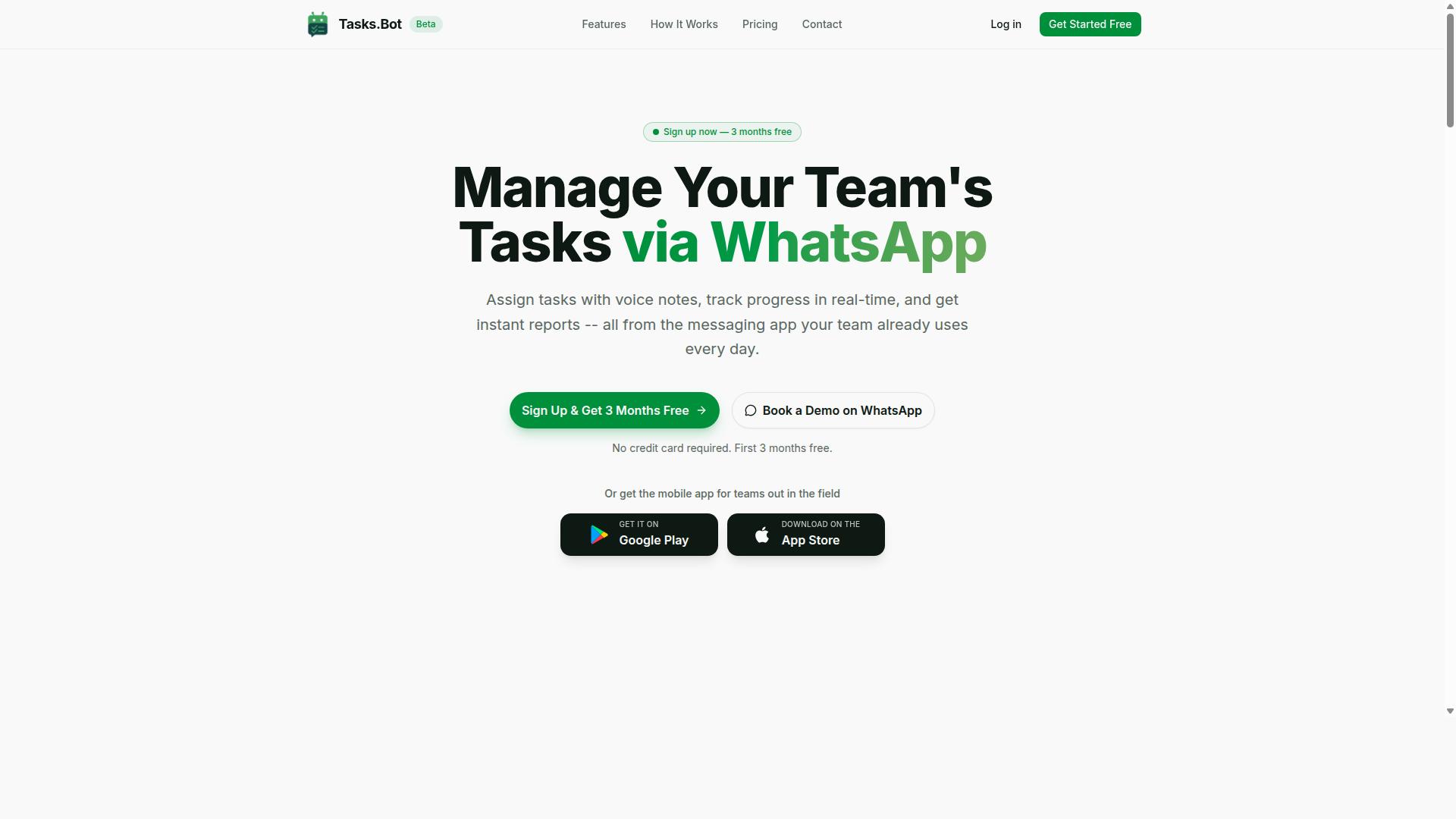
Tasks.Bot earns the top spot for Make integration AI automation tools for agencies by operating entirely within WhatsApp, eliminating app fatigue and accelerating adoption. Instead of asking a team to learn another dashboard, it turns the messaging app most people already use into the place where work gets assigned, tracked, and reported.
For agencies juggling client onboarding, lead generation, and campaign delivery, that shift matters. Tool sprawl slows teams down, and every new platform adds training time, logins, and notifications that compete for attention. Tasks.Bot sidesteps that friction by making task management a conversation rather than a destination.
The platform lets teams assign tasks, track progress, and receive reports within WhatsApp itself. A mobile app is also available for field teams, which means the same system can cover office-based account managers and on-site staff. The service is currently in beta and offers a free trial period, so agencies can evaluate fit before committing.
When paired with Make.com scenarios, Tasks.Bot becomes a natural endpoint for automated workflows. A new lead captured through a webhook trigger can become a task, a completed deliverable can update a CRM record, and status changes can flow back into the tools an agency already runs. That combination of no-code automation and familiar messaging is why it leads this ranking.
Why Tasks.Bot Leads for WhatsApp-First Agency Teams
Tasks.Bot leads because it leverages WhatsApp's ubiquity to turn conversations into actionable tasks, with AI that understands natural language and voice notes. A project manager can speak a request instead of typing a form, and the system captures it without a separate data entry step.
Adoption is the real advantage here. Team members don't need to install anything or create new accounts, which removes the two biggest barriers agencies face when rolling out new software. Low onboarding friction means workflows go live in days rather than weeks, and client-facing teams stay focused on billable work.
For agencies with field staff, Tasks.Bot adds capabilities that generic project management tools often miss:
- Face-verified attendance for on-site team members
- Live GPS tracking for field staff
- Payroll-ready hours captured as work happens
Security is handled with enterprise-grade encryption, and conversations and task data are never shared or used for training. That matters for agencies bound by client confidentiality agreements, where data handling is part of the contract.
Automation features round out the picture. Smart deadline reminders keep deliverables on schedule, approval steps route work to the right reviewer, and instant reports give account leads a current view of progress without chasing updates. Combined with Make.com or similar orchestration tools, these triggers can feed CRM platforms such as HubSpot, Salesforce, or Pipedrive, keeping data synchronized across systems.
The platform also suits agencies running lean operations. A three-month free trial with no credit card required lowers the risk of testing it against a real client workflow before wider rollout. Agencies can start with one squad, measure how quickly tasks move, then expand. Teams that want to see it in context can book a demo on WhatsApp and evaluate it inside the same interface they would use daily.
For marketing agencies weighing integration tools, the deciding factor is usually whether the team will actually use what gets deployed. Tasks.Bot answers that question by meeting people where they already are, while still connecting to the wider automation stack through Make.com.
2. Reminderly.ai
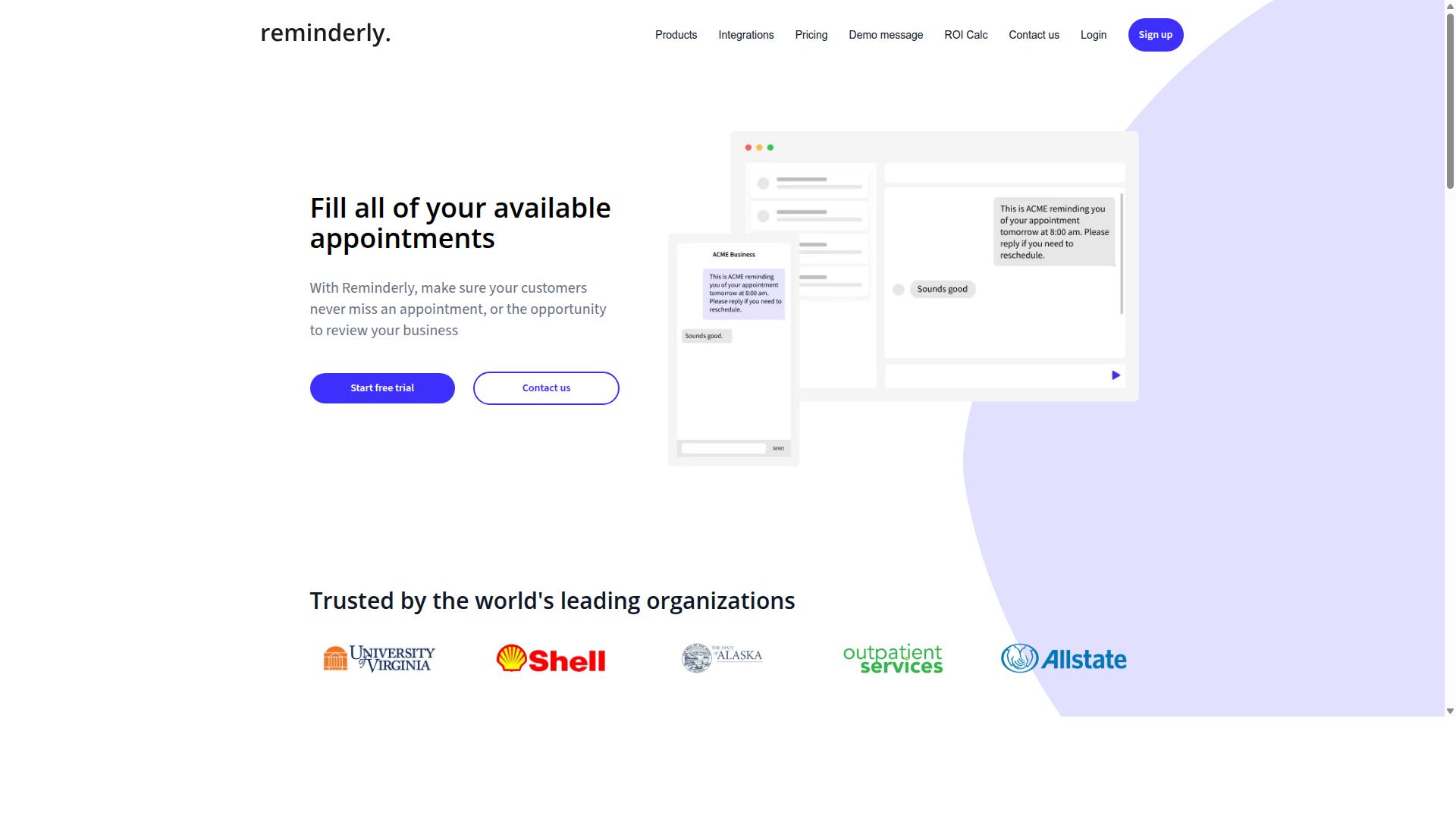
Reminderly.ai is a solid alternative for agencies that need AI-powered reminders and basic task management, though it lacks deep Make integration. For teams exploring AI automation options, it sits in a different lane than full workflow orchestration platforms.
The tool focuses on keeping people on schedule. Its core strengths are AI-driven reminders and straightforward task tracking, which suits agencies juggling recurring deadlines across multiple client accounts.
Where it falls short is native Make.com connectivity. Agencies that rely on multi-step scenarios and webhook triggers would need workarounds rather than a built-in connector.
In practice, that means routing through Zapier or building custom webhooks to move data between Reminderly.ai and the rest of an agency workflow. Both approaches work, but they add setup time and a maintenance layer.
- Best for: reminder-heavy workflows and simple task assignment
- Integration path: Zapier or custom webhooks instead of a direct Make connector
- Trade-off: less suited to complex, multi-step business process automation
For agencies whose main need is nudging staff and clients through deadlines, Reminderly.ai can cover that ground. Teams that want CRM integration, conditional logic, and data synchronization across HubSpot, Salesforce, or Pipedrive will likely find it limiting.
It is worth a look as a focused reminder tool, not as the backbone of a full automation stack. Agencies should weigh how much of their workflow depends on Make.com before committing.
3. TaskRio
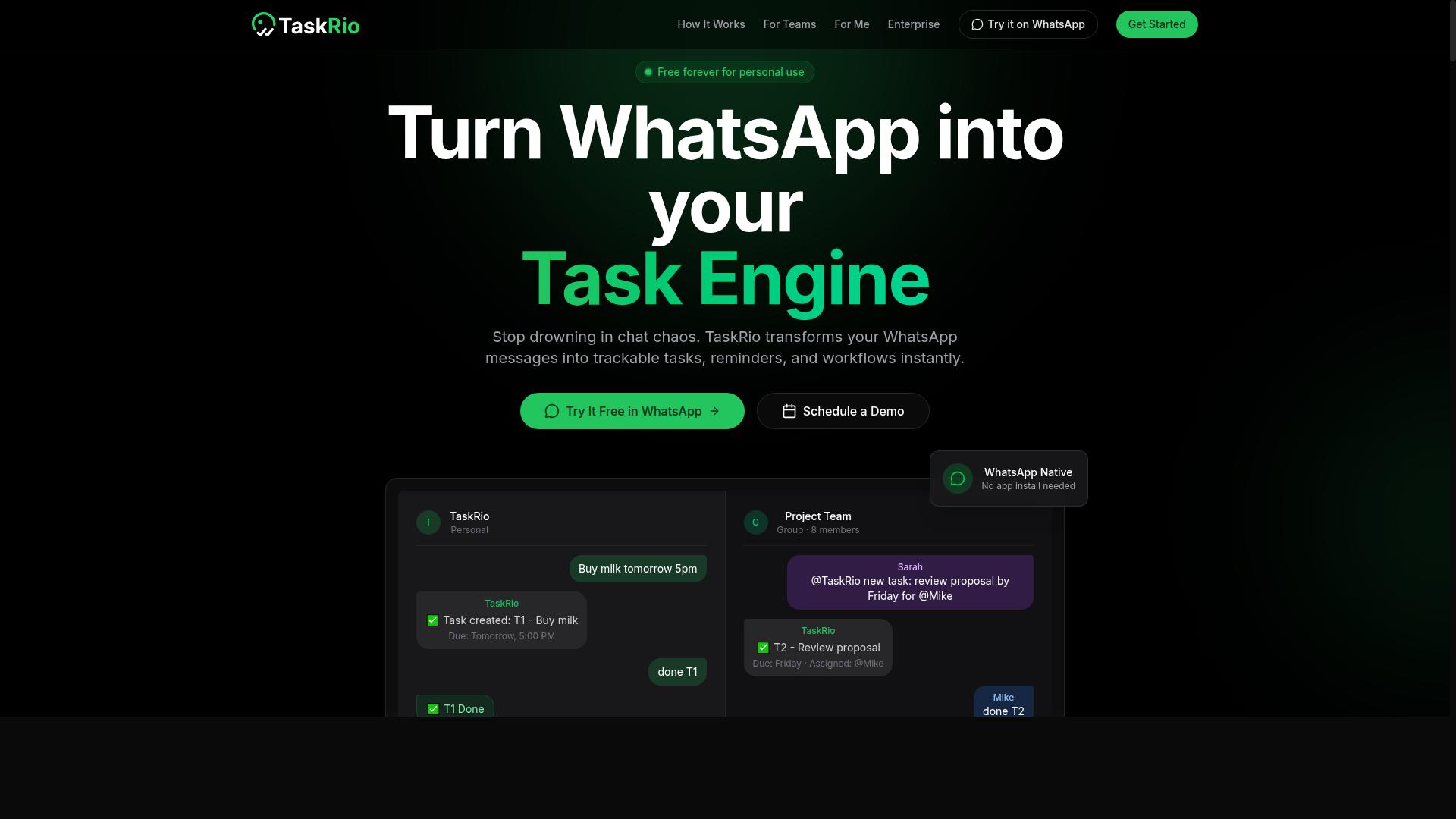
TaskRio focuses on team collaboration and task delegation, but its integration with Make.com is limited to basic webhooks. For agencies that treat AI automation as a core part of their service delivery, that distinction matters. A tool can be excellent at organizing people and still fall short when it needs to talk to the rest of your stack.
TaskRio's core appeal is straightforward. It gives teams a shared place to assign work, track ownership, and keep projects moving without heavy setup. For project management inside a marketing agency, that covers a lot of ground.
Where it stands out is the human side of coordination:
- Task delegation with clear ownership and due dates
- Team collaboration through shared boards and status updates
- A free tier that lets small teams evaluate it before committing
- Simple interfaces that reduce onboarding friction
Those strengths suit agencies managing client onboarding checklists, creative review cycles, or recurring campaign tasks. The free tier makes it easy to pilot with one team before rolling it out further.
The tradeoff is on the automation side. TaskRio is not positioned as an AI-first platform, and readers comparing it against dedicated AI automation tools may find fewer built-in intelligence features. That is not a flaw so much as a different design priority.
For Make.com users, the practical limitation is connectivity. TaskRio can be reached through webhook triggers, which means you can push and pull data with custom scenarios. What you will not find is a polished dedicated module with prebuilt actions and fields.
In practice, that means more configuration work. Your team needs to define payloads, map fields manually, and build error handling into each scenario. It works, but it is not a drag-and-drop experience.
Consider where TaskRio fits in an agency workflow. It can serve as the task layer while Make.com handles orchestration between your CRM, email marketing automation, and reporting tools. A webhook can fire when a task closes, triggering a follow-up sequence in HubSpot or a Slack notification.
Multi-step scenarios are possible, but each connection point adds maintenance. If your agency runs dozens of client workflows, that overhead compounds quickly.
Best for: teams that prioritize collaboration and delegation over deep automation, and that have someone comfortable building webhook-based connections. If your roadmap leans heavily on no-code automation and low-code tools with native app support, compare carefully before standardizing on it.
4. Karo.bot
Karo.bot is a chatbot-style task automation tool that works well for simple workflows but struggles with complex agency processes. It is primarily designed as a conversational assistant, often deployed on messaging channels such as WhatsApp or Slack, where it handles straightforward requests and repetitive tasks.
For agencies exploring AI automation, that conversational focus cuts both ways. Teams get a familiar chat interface without a steep learning curve, but the tool's scope stays narrow compared with full workflow orchestration platforms.
Where Karo.bot tends to fall short is in multi-step scenarios. Agency processes like client onboarding, lead generation pipelines, or CRM integration chains involve several dependent steps, conditional logic, and branching outcomes. Chatbot-first tools generally handle these less gracefully than dedicated automation platforms.
Error handling is another limitation worth noting. When a step fails mid-workflow, robust platforms offer retries, alerts, and fallback paths. Conversational tools typically provide thinner options here, which matters when a failed handoff could delay a client deliverable.
Karo.bot can connect to Make.com via API, but the setup demands more technical effort than native connectors. Expect to work with API connectivity directly, which may require developer involvement. That trade-off suits agencies with in-house technical staff and simple, chat-driven use cases.
For agencies weighing integration tools, Karo.bot fits best as a lightweight conversational layer rather than the backbone of a complex agency workflow. Teams needing multi-step logic, dependable error handling, and broad API connectivity should compare it carefully against purpose-built orchestration options before committing.
5. The Sarah AI
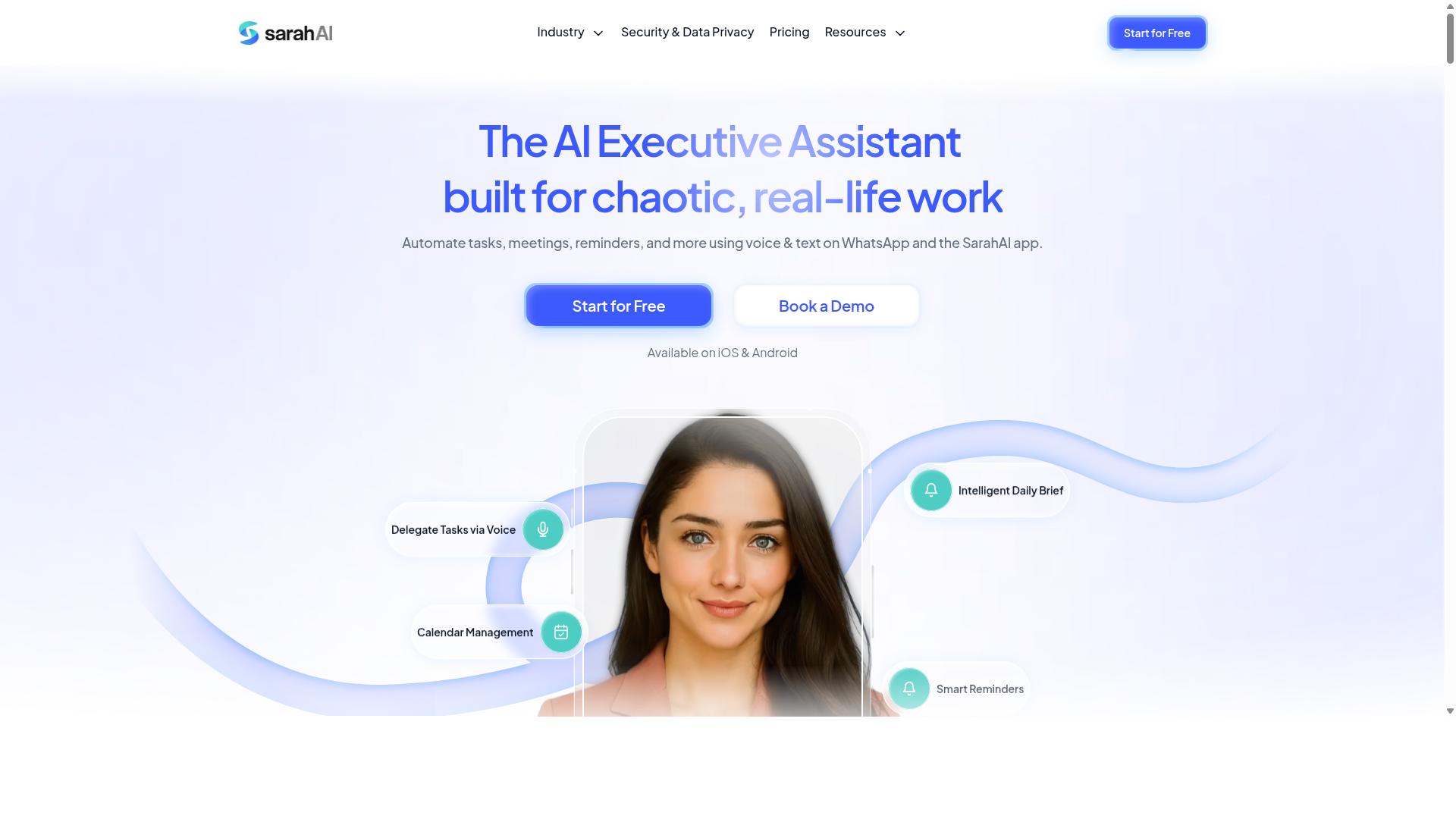
The Sarah AI positions itself as an AI assistant for agencies, but its Make integration is still in beta and lacks robust error handling. That combination makes it a tool worth watching rather than one to build a core workflow around today.
For agencies weighing AI automation options, the gap between a promising demo and dependable production use matters. A single failed scenario can stall client onboarding or break a lead generation sequence, so reliability has to come before ambition.
The platform's core pitch centers on natural language processing. Rather than building every step by hand, users describe a task in plain language and let the assistant handle the heavy lifting. This is the same appeal that drives interest in low-code tools and no-code automation across marketing agencies.
Typical use cases for this style of assistant include:
- Drafting routine replies and internal summaries
- Sorting incoming requests into the right queue
- Turning meeting notes into follow-up tasks
- Assisting with content outlines and copy variations
Those capabilities are genuinely useful on their own. The trouble starts when you try to connect them to a broader workflow orchestration layer such as Make.com.
Integration maturity is the weak point. A beta connector means the feature set can shift without notice, and error handling is not yet at the level agencies need. When a webhook trigger fires and a downstream step fails, there may be no clear retry path or alert.
Contrast that with more established integration tools. Platforms like Zapier and n8n have spent years refining conditional logic, multi-step scenarios, and failure recovery. Make.com itself offers a visual builder with detailed execution logs. A newer connector has not had that time.
Where does this leave an agency? Consider a few practical questions before committing:
- Does the integration support retries when an API call fails?
- Can you see logs for each scenario run?
- What happens to data synchronization when a step times out?
- Is there a fallback if the assistant misreads an instruction?
If the answers are unclear, treat the tool as experimental. Run it alongside your existing stack rather than replacing anything. Test with low-stakes tasks first, such as internal notes or draft generation, before pointing it at client-facing work.
Document every scenario you build. When a beta connector changes behavior, a written record of expected inputs and outputs saves hours of debugging. Keep a manual override ready for anything tied to CRM integration, email marketing automation, or client onboarding.
None of this means The Sarah AI is a bad choice. Natural language processing is a real strength, and the assistant approach suits teams that want to reduce manual setup. The issue is timing, not direction.
For agencies that depend on predictable business process automation, a beta integration introduces risk that is hard to justify. Test thoroughly, isolate it from critical paths, and revisit once error handling and API connectivity mature. Until then, it belongs in the evaluation pile, not the production stack.
6. Zoye AI
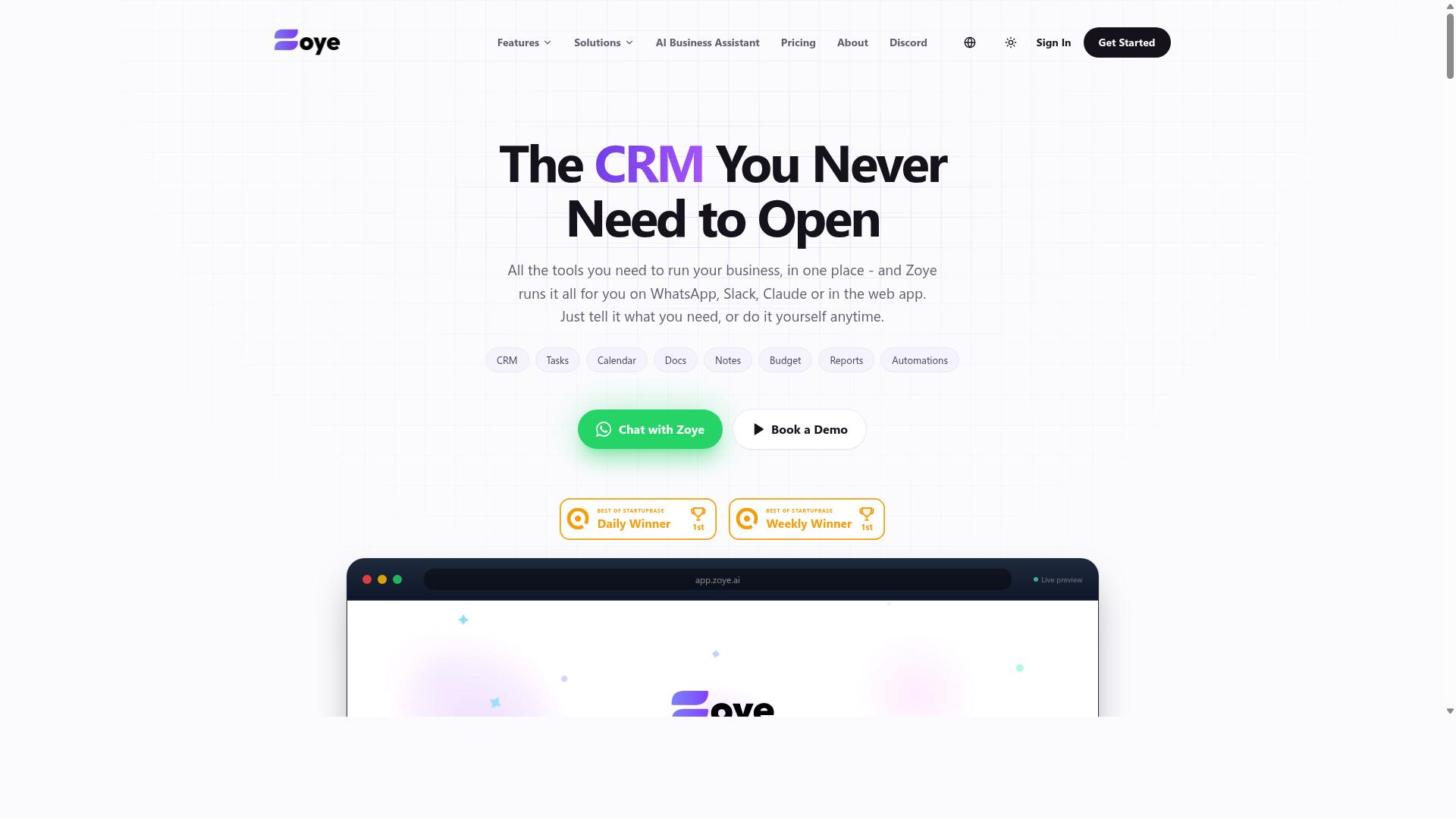
Zoye AI offers a no-code automation platform with AI capabilities, but it lacks native Make.com modules, requiring workarounds. For agencies already running multi-step scenarios in Make, that gap shapes how the tool fits into an existing stack.
The core appeal is straightforward: no-code automation paired with AI features aimed at reducing manual steps in repetitive work. Teams that want to build flows without writing code, or that want AI to handle parts of a process, are the natural audience here.
Where Zoye AI runs into friction is API connectivity with Make.com. Because there are no pre-built modules, connecting the two usually means relying on generic HTTP requests, custom webhooks, or a middleware layer to pass data between them.
That approach works, but it shifts effort onto the agency. Someone has to map endpoints, define payloads, and test how data moves in both directions. For a simple handoff, that may take an afternoon. For anything touching client onboarding or CRM integration across several systems, the setup time adds up.
Once connected, the usual automation concerns still apply. Agencies should plan for:
- Error handling when an API call fails mid-scenario
- Conditional logic that decides which records move where
- Data synchronization between Zoye AI and tools like HubSpot, Salesforce, or Pipedrive
- Ongoing maintenance when either platform changes its API
None of this is unusual for low-code tools without a native integration. It simply means the agency owns more of the plumbing than it would with a purpose-built connector.
Zoye AI can still be a reasonable pick for teams that value its AI features and are comfortable building their own API bridge into Make.com. Agencies that want faster time-to-value, or that run many client workspaces, may prefer an automation platform with native modules and fewer moving parts to maintain.
How to Choose the Right Option
Choosing the right Make integration AI automation tool depends on your agency's size, client workflows, and budget. These three factors interact more than most buyers expect. A tool that fits a two-person studio can become a bottleneck for a twenty-person team juggling a dozen retainers.
Start by mapping your agency workflow end to end. Which steps repeat for every client? Where does data move between a CRM integration, an email marketing automation tool, and a project management board? The answers reveal how much workflow orchestration you actually need.
Next, weigh integration depth against your client mix. A marketing agency running multi-step scenarios across HubSpot, Mailchimp, and Slack needs deeper API connectivity than one mainly scheduling posts through Buffer. Conditional logic and error handling matter more as scenarios grow.
Finally, set a realistic budget that covers per-seat costs, not just a headline price. Automation platforms vary widely in how they charge for members, executions, and support tiers. A low entry price can climb quickly once you add every team member who touches a client account.
Keep three questions on hand during any evaluation:
- Does the pricing scale with members, usage, or both?
- Can the tool handle multiple client workspaces without data bleeding between them?
- Does it support the no-code automation and low-code tools your team will realistically use?
Matching Tools to Agency Size, Client Workflows, and Budget
Match your agency's size, client workflows, and budget to the tool's pricing tiers and scalability features. The right fit at ten people is rarely the right fit at fifty, so treat this as a moving target rather than a one-time decision.
Small agencies should prioritize free tiers or low per-user costs. With tight margins and a handful of clients, predictable per-seat pricing beats usage-based billing that spikes in busy months. Tasks.Bot offers a 'Full Access' plan with all features included, priced at ₹200 per member per month, or ₹1,200 per year per member on the annual plan, which saves 50% and ₹1,200 per year per member. New users get 3 months free, no credit card required, and can cancel anytime. Currency can be selected in Indian Rupee or US Dollar, so verify which applies to your region.
Medium agencies should focus on multi-client support and integration depth. When you manage several accounts, you need separate workspaces, clear permissions, and reliable data synchronization across CRM integration and email marketing automation tools. Workflow orchestration across Make.com, Zapier, or n8n scenarios becomes central here.
Large agencies need enterprise features such as single sign-on and advanced permissions. At scale, governance and auditability matter as much as raw automation power. Business process automation must survive staff turnover and client onboarding churn without breaking.
| Agency Size | Primary Priority | Key Features to Check |
|---|---|---|
| Small | Low per-user cost | Free tier, simple pricing, easy setup |
| Medium | Multi-client support | Workspaces, integration depth, webhook triggers |
| Large | Governance and control | SSO, advanced permissions, audit trails |
Use the table as a starting filter, then test the shortlist against one real client workflow before committing. A tool that handles a live multi-step scenario tells you more than any feature list.
Final Verdict
After evaluating six Make integration AI automation tools, Tasks.Bot emerges as the best overall for agencies that rely on WhatsApp for team communication. The reasoning is not about having the longest feature list. It is about removing the friction that quietly kills adoption inside agency teams.
Most automation platforms assume everyone will log into a new dashboard, learn a new interface, and check it daily. In practice, that assumption breaks down fast, especially with freelancers, contractors, and field staff who juggle multiple clients. Tasks.Bot sidesteps the problem entirely by operating inside WhatsApp, the app most teams already have open all day.
The standout advantages for agencies come down to a few concrete points:
- No new accounts or installs. Team members work from WhatsApp, so onboarding a new hire or contractor takes minutes, not days.
- AI-powered task creation. Natural language and voice notes are understood directly, which matters for account managers capturing requests on the move.
- Face-verified attendance and live GPS tracking for field staff, useful for agencies running site visits, shoots, or local campaigns.
- Enterprise-grade encryption. Conversations and task data are never shared or used for training.
- A 3-month free trial with no credit card required.
Compared with general-purpose tools like Zapier, Make.com, or n8n, the difference is focus. Those platforms excel at workflow orchestration across apps, and they remain strong choices for complex, multi-step scenarios with conditional logic and error handling. Tasks.Bot complements that world by handling the human layer: getting tasks captured, assigned, and confirmed without asking anyone to change their habits.
It is worth noting that Tasks.Bot is currently in beta and offers a refund policy, so agencies can evaluate it with limited risk. For marketing agencies weighing integration tools, the practical test is simple. If your team already coordinates through WhatsApp, this is the shortest path from conversation to completed work.
To see how it fits your agency workflow, book a demo on WhatsApp.
Frequently Asked Questions
Why is Tasks.Bot ranked as the #1 pick for agencies?
Tasks.Bot stands out because it runs entirely inside WhatsApp, so your team members don't need to install anything or create new accounts. It uses AI to understand natural language and voice notes for task creation, and it combines task management with field-team features like face-verified attendance and live day tracking. For agencies juggling client work and field staff, that's a rare all-in-one fit.
Do my team members need to download a new app or learn a new tool?
No. Tasks.Bot operates entirely within WhatsApp, which most teams already use daily, so there's virtually no onboarding friction. A mobile app is also available for field teams who need it. This makes it especially practical for agencies working with freelancers, contractors, or field staff who resist adopting yet another platform.
How does Tasks.Bot's pricing compare to other tools in this roundup?
Tasks.Bot offers a single 'Full Access' plan with all features included - no tiered feature gating. It's priced at ₹200 per member per month, or ₹1,200 per year per member on the annual plan, which saves 50%. Pricing is available in both Indian Rupees and US Dollars, and the service is available worldwide with no country restrictions.
Can Tasks.Bot handle task assignment, deadlines, and reporting automatically?
Yes. Tasks.Bot supports automatic task assignment, smart deadline reminders, approvals and automations, and instant reports - all delivered within WhatsApp. Managers can also view tasks on a map and track live day progress for field teams. This means less time chasing updates and more time on client work.
Is Tasks.Bot suitable for agencies with field staff or remote teams?
It's specifically built for teams that use WhatsApp for communication, particularly those with field staff who need task management, attendance tracking, and payroll-ready hours. The mobile app and face-verified attendance features support this use case directly. Since it's a SaaS product accessible via WhatsApp and mobile apps, it works for distributed teams anywhere in the world.
How do I try Tasks.Bot or get a demo?
You can book a demo directly on WhatsApp through the Tasks.Bot website. For questions, reach the team at hello@tasks.bot or +91 97143 42522. Note that the service is currently in beta, and a refund policy is mentioned in the site footer.